Privacy & Social · September 27, 2026
What to Do When a Former Employee Still Has Access to Your Social Media Accounts
A practical offboarding guide for removing outdated social-media access, checking account changes, securing recovery settings, and preventing future control problems.
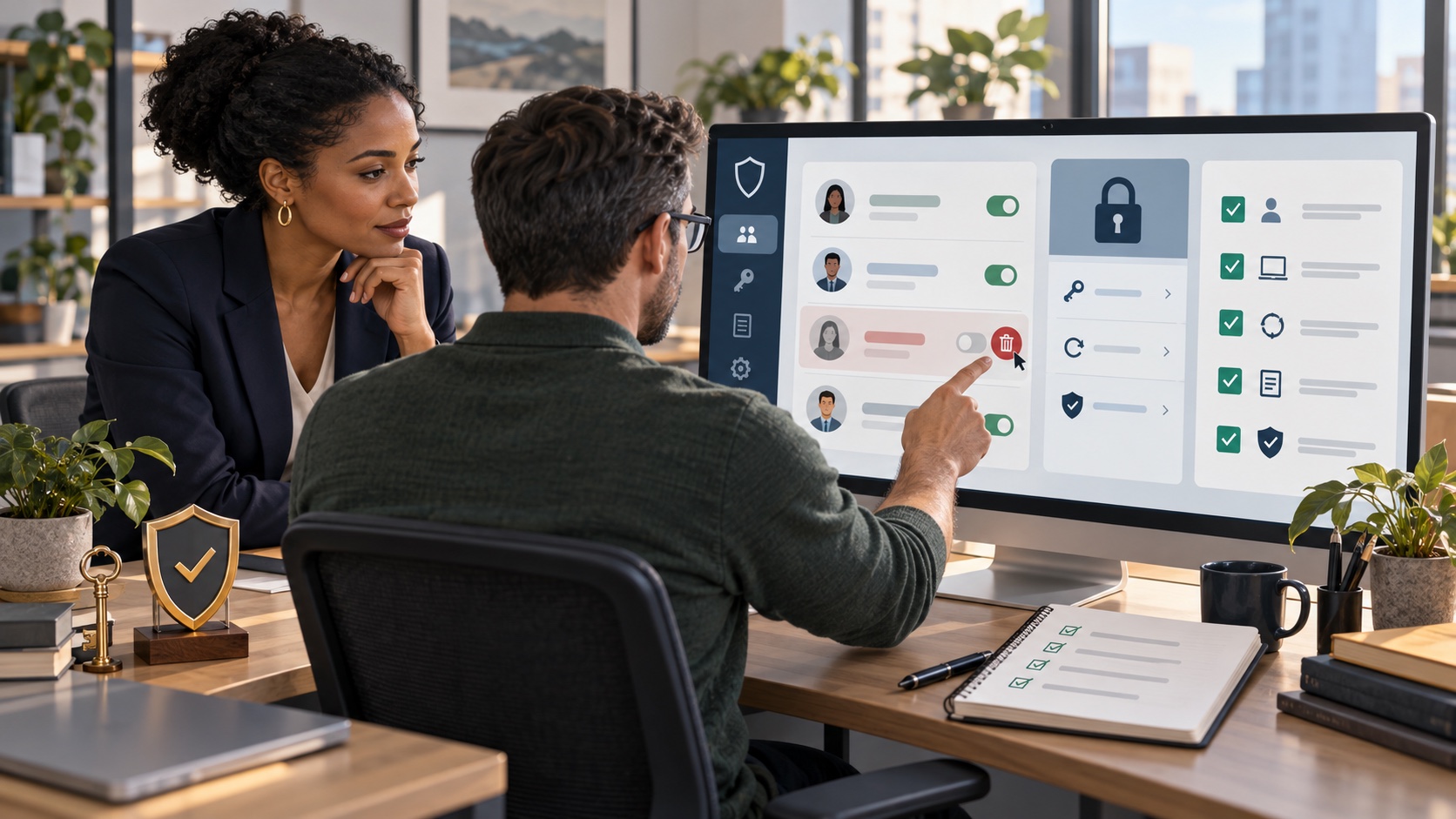
Confirm that a current owner has full control, then make a private list of every page, channel, advertising account, scheduler, connected app, recovery method, and active session the former employee could reach. Remove the person through each platform’s official role or permissions settings. Rotate any shared credentials, protect recovery email and phone details, enable multifactor authentication, and review recent activity. Do not enter the person’s private account, impersonate them, or accuse them publicly.
Social-media access is rarely just one password. A former employee may have a role on a Facebook Page, LinkedIn Page, YouTube channel, advertising account, scheduler, analytics tool, password manager, or connected app. The person may also control a recovery email, phone number, device session, or token. A clean response maps every layer.
Old access does not automatically mean that anyone acted improperly. Treat ordinary offboarding as an access-control task. If logs show unexpected posts, messages, advertisements, payment changes, or administrator changes, preserve evidence and shift to a measured incident response. Avoid public speculation while the company confirms what happened.
Platform ownership, employment agreements, privacy rules, and computer-access laws vary by facts and location. This guide provides general education, not legal advice. If control is disputed, company money or customer data was affected, a threat was made, or access cannot be recovered, consult qualified legal or security professionals before taking a step that could destroy evidence or exceed the company’s authority.
A practical step-by-step approach
01Put one current owner in charge
Choose an authorized owner or senior administrator to coordinate the work. Before removing anyone, confirm that at least one current person has the highest level of control and that company recovery details work. Removing the only full-control administrator too early can lock out the business. Record who approved the change and when.
02Build a complete access map
List every brand page, profile, channel, business portfolio, ad account, payment method, inbox, scheduler, analytics service, app integration, password vault, and company device. Record the owners, administrators, editors, agencies, recovery details, and multifactor method. Linked assets and tools that publish to several networks deserve special attention.
03Remove individual roles through official controls
Use each service’s current access or permissions screen rather than asking for a personal password. Meta distinguishes full-control Page access from task access; LinkedIn assigns Page roles to individual member profiles; and YouTube channel permissions allow role-based access without sharing a Google Account password. Have the authorized full-control administrator remove the former employee and reduce other people to the least access their work requires.
04Rotate shared credentials and recovery details
If a password was shared, or compromise is suspected, change it from a trusted device and update the company-controlled recovery email and phone. Revoke active sessions, old devices, application passwords, API tokens, browser extensions, and connected publishing tools that are no longer needed. Protect the account with multifactor authentication; CISA recommends starting with administrative and other sensitive business accounts and using phishing-resistant methods when available.
05Review activity and preserve evidence
Check recent posts, messages, ads, billing changes, profile edits, administrator invitations, logins, and connected apps. Save dated screenshots, URLs, notices, invoices, and audit-log entries for anything unusual. Keep evidence private and unchanged. Do not delete content or reset devices until an authorized person decides what records are needed for platform, insurance, or legal review.
06Use official recovery if the business is locked out
Follow the platform’s recovery or administrator-request process and provide accurate proof that you represent the business. LinkedIn, for example, may ask a requester to list the company as a current position, verify a workplace email, follow the Page, and submit an admin request. Requirements differ by service. Never create false documents, impersonate the former employee, or submit a hacking claim that the evidence does not support.
07Restore the public presence carefully
Correct unauthorized profile details, pause questionable ads, and remove or replace company-controlled posts only after preserving evidence. If customers saw a misleading message, publish a short factual update on an official channel and direct questions to one verified contact. Avoid naming a former employee or discussing personnel matters unless qualified advice confirms that disclosure is necessary and appropriate.
08Create a repeatable offboarding process
Maintain an access register with an owner, role, business purpose, and review date for every social asset. Use named roles, not shared passwords. On a worker’s final day, remove roles, transfer files, revoke sessions and tokens, collect devices, and confirm completion. Review administrators quarterly and whenever a business relationship changes.
Information to gather
A clear record makes it easier to choose the right channel, communicate accurately, and avoid unnecessary repetition. Start with:
- Every social page, channel, business portfolio, ad account, and brand handle
- Current owners, administrators, editors, agencies, and role levels
- Company email, recovery phone, multifactor method, devices, and active sessions
- Schedulers, analytics tools, password vaults, browser extensions, apps, and API tokens
- Recent posts, messages, ads, billing, profile edits, invitations, and audit logs
- Official removal or recovery confirmations and a restricted evidence folder
- Named asset owner, offboarding checklist, and quarterly access-review date
What not to do
Pressure can lead to decisions that create a second reputation problem. Avoid:
- Logging in to a former employee’s personal account or pretending to be that person
- Removing the only current full-control owner before continuity is confirmed
- Accusing the former employee publicly before logs and records establish what happened
- Deleting posts, messages, logs, devices, or files that may be needed as evidence
- Sharing one password among employees, contractors, agencies, or franchise locations
- Submitting false recovery documents or promising that a platform will restore access by a deadline
Frequently asked questions
Should we change every social-media password after an employee leaves?
Not always. If the person had access through an individual platform role, removing that role and revoking sessions may be the correct first step. Change any shared or exposed password, recovery detail, application password, or token, and rotate credentials when compromise is suspected. Confirm that a current company owner retains full control before making changes.
Can the company log in to the former employee’s personal account?
No. Use official Page, channel, business-account, and administrator tools. Do not request or use a former employee’s personal password, impersonate the person, or access private messages. If a business asset was attached to a personal profile, use the platform’s authorized transfer, admin-request, or recovery process.
What if the former employee is the only full-control administrator?
Use the platform’s official recovery or admin-access request and gather truthful proof of business authority, ownership, employment, and the asset’s connection to the company. Do not create a duplicate page simply to pressure the person. When ownership or authority is disputed, ask qualified counsel to review the contracts and facts.
Should we delete posts or messages the former employee created?
Preserve a private copy and evaluate the content first. Correct inaccurate public information and stop harmful activity on company-controlled assets, but avoid destroying logs, messages, or files that could be needed for a platform report, insurance claim, legal review, or investigation. Keep personnel details out of public explanations.
Can a reputation company guarantee that we will regain control?
No. A responsible provider can map access, organize evidence, use official removal or recovery procedures, help secure company-controlled assets, prepare careful public updates, and monitor the result. Outcomes depend on account history, proof of authority, platform rules, publishers, search engines, applicable law, and other third parties. No provider can guarantee recovery or timing.
Primary resources
Policies and features can change. Review the current source before submitting a request:
- Meta: About Facebook Page access
- LinkedIn: Understand admin access for LinkedIn Pages
- LinkedIn: Request admin access to a LinkedIn Page
- YouTube: Add or remove access with channel permissions
- YouTube: Clean up a hacked channel
- CISA: Require multifactor authentication