Business Listings · September 8, 2026
What to Do When Apple Maps Shows the Wrong Business Information
Learn how to document, claim, correct, and monitor an inaccurate Apple Maps business place card without creating duplicates or misleading customers.
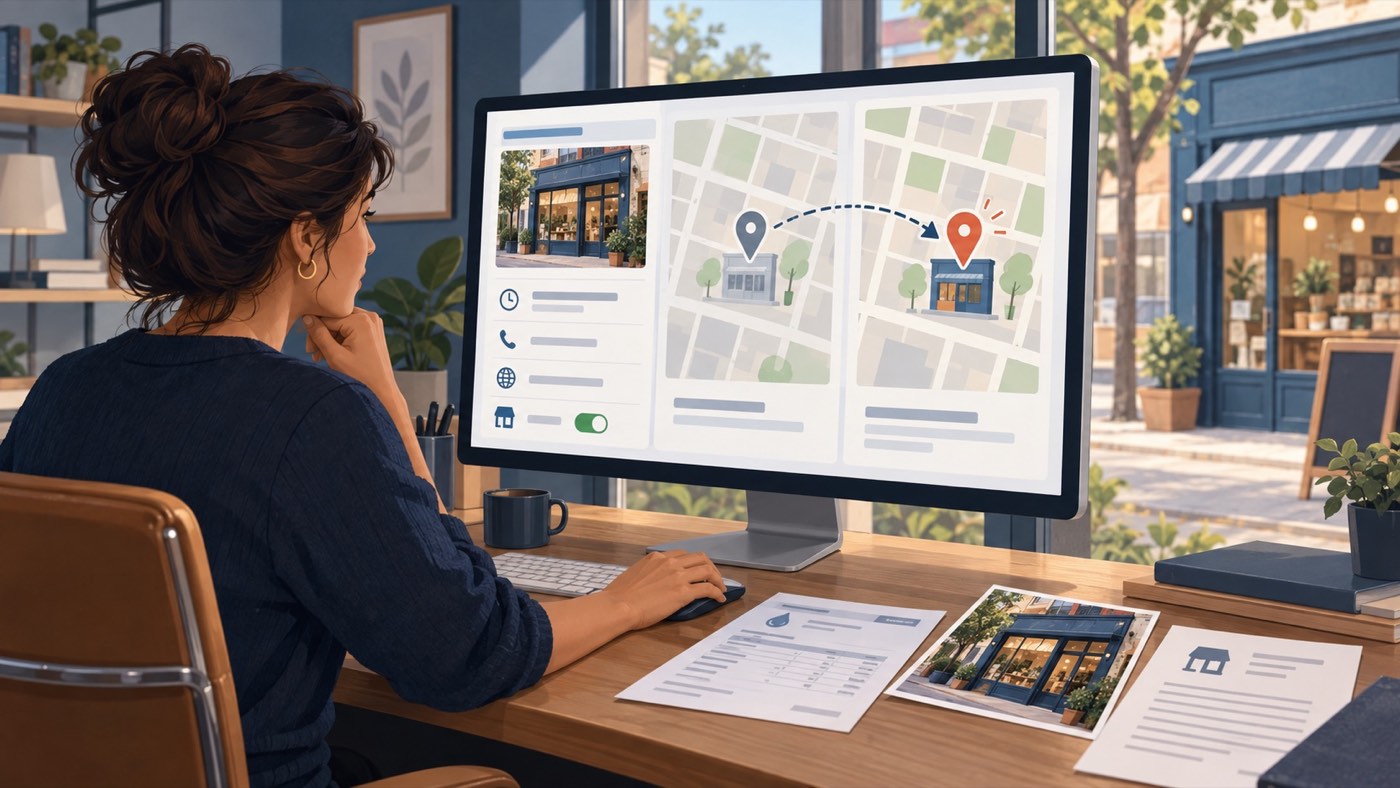
Open the exact Apple Maps place card, document every wrong field, and compare it with your official website and business records. If you own or represent the business, claim or add the existing location in Apple Business, verify your organization, and submit focused corrections. If you cannot manage the location, report the issue through Maps. Do not create a duplicate listing merely because an edit is pending.
A wrong map listing can send customers to the wrong door, show a closed business as open, route calls to an old number, or connect a location to the wrong brand. Apple calls the customer-facing listing a place card. Authorized organizations can manage its details through Apple Business.
Apple Business now includes capabilities previously associated with Apple Business Connect. The right path depends on whether the location is unclaimed, managed by your organization, controlled by another organization, closed, duplicated, or simply inaccurate. Confirm its status before adding a location or requesting removal.
Apple reviews submissions and may change a location name, status, or hours after customer reports. Authorized users can accept accurate updates or contest an incorrect change in Apple Business. Timing varies, and no business or agency can guarantee approval or how every Apple product will present an edit.
A practical step-by-step approach
01Document the exact place card and error
Search the business name and address in Apple Maps, open the correct place card, and save screenshots. Record the link when available, search terms, date, wrong field, correct value, and customer impact. Check the name, pin, address, phone, website, hours, status, category, photos, and brand. Distinguish a factual error from a formatting preference.
02Confirm the real-world source of truth
Compare the place card with the official website, storefront signs, phone service, lease or utility records, business license, and current hours. Use only documents that genuinely apply to that location. Update the website first if it still displays old information. Apple says a location address should match the address on the official website and the one customers use to find the business.
03Find or add the existing location in Apple Business
Sign in to Apple Business with an authorized account, choose Brands and Locations, and search for the existing place. Select the existing location when it represents your business instead of adding a duplicate. If the organization is not yet verified, complete Apple's verification steps. Keep mail from Apple domains available so review and verification messages are not lost.
04Request a transfer when another account manages it
If Apple says the location is already managed, continue with the existing-location process and request a transfer. Explain why your organization should manage it and provide requested support such as a business license or utility bill. Apple's current guide says transfer review can take up to five business days. Do not impersonate the prior owner or submit altered records.
05Correct only the inaccurate location fields
Edit the display name, category, status, phone, website, normal hours, special hours, address, and coordinates as needed. Place coordinates over the correct building, not a nearby road, sidewalk, intersection, entrance, or parking lot. Use the real customer-facing name without added search terms. Save the change and keep a copy of what was submitted.
06Review and contest Apple-made changes
Apple may email authorized location managers when it changes a location name, status, or hours. In Apple Business, open any Updates Available notice and accept correct information. If the update is wrong, edit the affected field. For a contested display-name change, Apple allows supporting information or documents and says its review may take up to five business days.
07Use Maps reporting for an unmanaged public error
When you cannot manage the business location, use the reporting option in Maps to describe a missing place, incorrect information, or a closed business. On iPhone, Apple directs users to Reports and Report a New Issue. Provide a focused factual correction rather than repeated submissions. Reporting an issue does not replace claiming and maintaining a location when your organization is eligible to do so.
08Monitor the correction across customer touchpoints
Recheck the place card after Apple reviews the submission, then test ordinary searches, directions, calls, website links, hours, and Siri questions. Keep the case date, evidence, Apple messages, submitted values, and final display in a change log. Review locations after moves, rebrands, holiday schedules, closures, or phone changes. Secure administrator access and remove former staff or vendors.
Information to gather
A clear record makes it easier to choose the right channel, communicate accurately, and avoid unnecessary repetition. Start with:
- Apple Maps place card, screenshots, search terms, and observation date
- Exact wrong field, correct value, and customer impact
- Official website and real-world location information
- Business license, lease, utility bill, or other requested verification
- Apple Business organization, brand, location, and administrator access
- Accurate pin coordinates, address, phone, website, hours, and status
- Submission confirmation, Apple messages, case notes, and review dates
- Follow-up checks in Maps, search, Siri, directions, and calling
What not to do
Pressure can lead to decisions that create a second reputation problem. Avoid:
- Creating a duplicate before checking for an existing place card
- Using a virtual, borrowed, or unrelated address
- Adding keywords or service areas to the business name
- Moving the pin to a road, parking lot, or convenient landmark
- Submitting altered documents or claiming a business without authority
- Promising approval timing, instant updates, or guaranteed visibility
Frequently asked questions
How can a business correct information on Apple Maps?
An authorized representative can claim or add the existing location in Apple Business, complete verification, and edit the place-card information. A person who cannot manage the location can report an issue through Maps. Apple reviews submissions and decides what appears.
What if someone else controls the Apple Maps business location?
Apple Business provides a transfer-request process for an existing location that is already managed. The requester explains the reason and may submit supporting records such as a business license or utility bill. Apple currently says review can take up to five business days.
Where should the map pin be placed?
Apple's current guidance says the latitude and longitude should sit over the building for the location. The pin should not be placed on a road, sidewalk, nearby intersection, front entrance, or parking lot simply to make directions look different.
Can a permanently closed location be removed from Apple Maps?
An authorized manager can remove the location from its Apple Business account and choose permanently closed as the reason. Apple says the location is then marked permanently closed in Maps. Other removal choices may only remove management access, so select the truthful reason.
How long does an Apple Maps correction take?
Timing depends on the correction and Apple's review. Apple's current guide gives up to five business days for certain transfer requests and contested display-name changes, but it does not guarantee that every edit will follow that timeline or appear everywhere at once.
Primary resources
Policies and features can change. Review the current source before submitting a request:
- Apple: Apple Business User Guide
- Apple: add a single location in Apple Business
- Apple: edit or remove a single location
- Apple: maintain location information accuracy
- Apple: configure location attributes
- Apple: report an issue with Maps on iPhone